
Nano Banana 2.1 Image Generator
Create images from text or edit an existing photo with Nano Banana 2.1. Upload a reference image, describe the change you want, then generate and download your result.
Quick start
Image Prompts to Explore
These examples come from different image models. Open one to see its prompt, then try it with Nano Banana 2.1 or use the image as a reference. Results will vary.
Why Use Nano Banana 2.1?
Nano Banana 2.1 is an image generation and editing model. nanobanana2-1.net is an independent online tool, not Google or Gemini. The details below describe the model; the workflow describes this website.
Text-to-image generation
Describe the subject, setting, style, and composition. This website accepts a text prompt to create a new image.
Edit with a reference image
Upload a reference image and describe the change you want. The website sends the image and instruction through its editing workflow.
View and download your result
Review the generated image, then download it when you are ready. These actions are part of this website's image workflow.
1K, 2K, and 4K model output
Nano Banana 2.1 supports 1K, 2K, and 4K image output. The resolution controls available here are the ones shown in the generator.
Improved prompt and text rendering
Model documentation reports improvements in visual quality, prompt adherence, and text rendering compared with Nano Banana 2. Check small or exact text in the generated result.
Multiple references at the model level
The model supports multiple reference images and multimodal inputs. This describes the model; the upload controls on this website show which inputs are enabled here.
How to Use Nano Banana 2.1
Start with a prompt or a reference image, describe the visual details you want, then review and download the result.
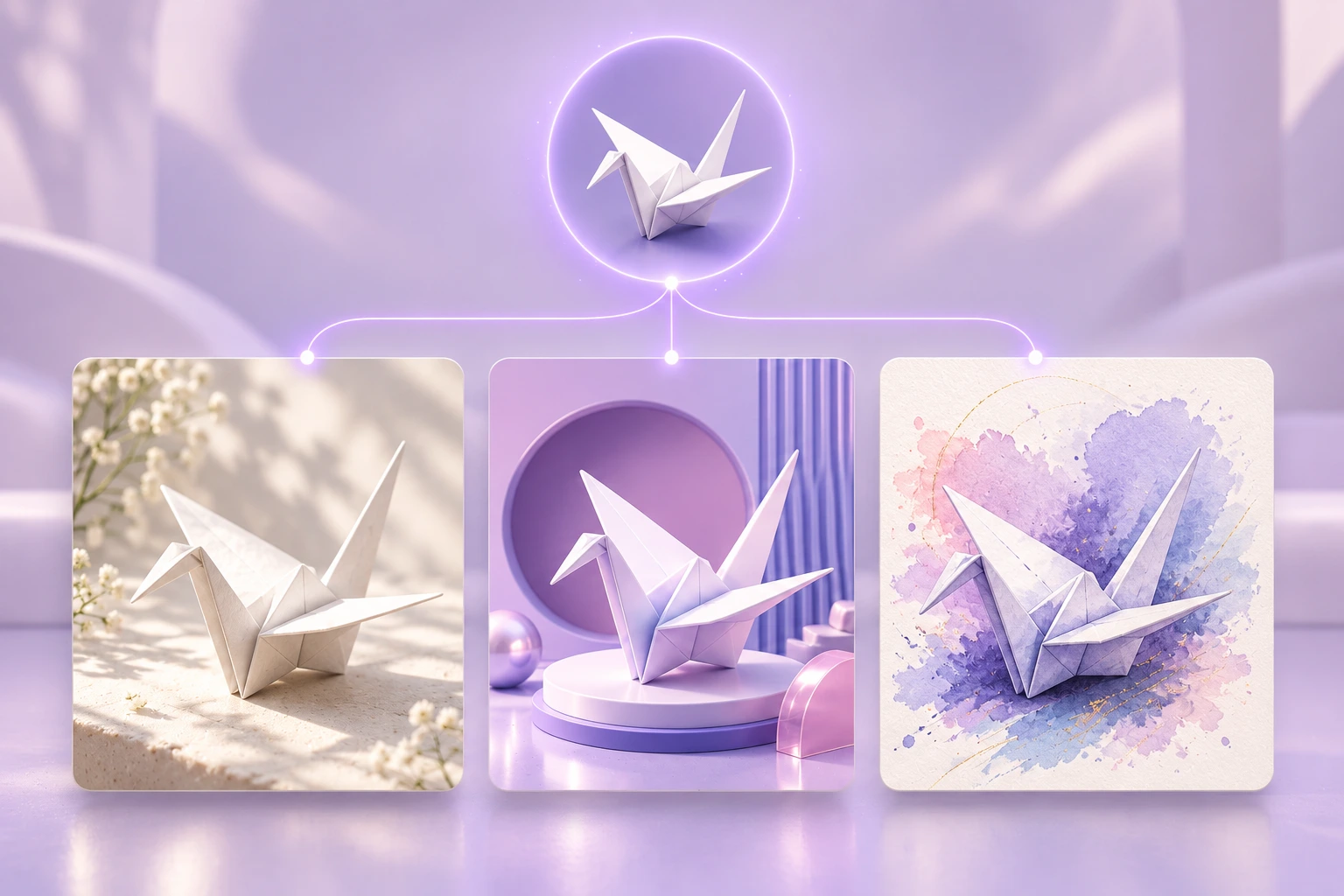
Start with a prompt or reference
For a new image, describe the scene you want. To edit an existing image, upload it and say what should change.
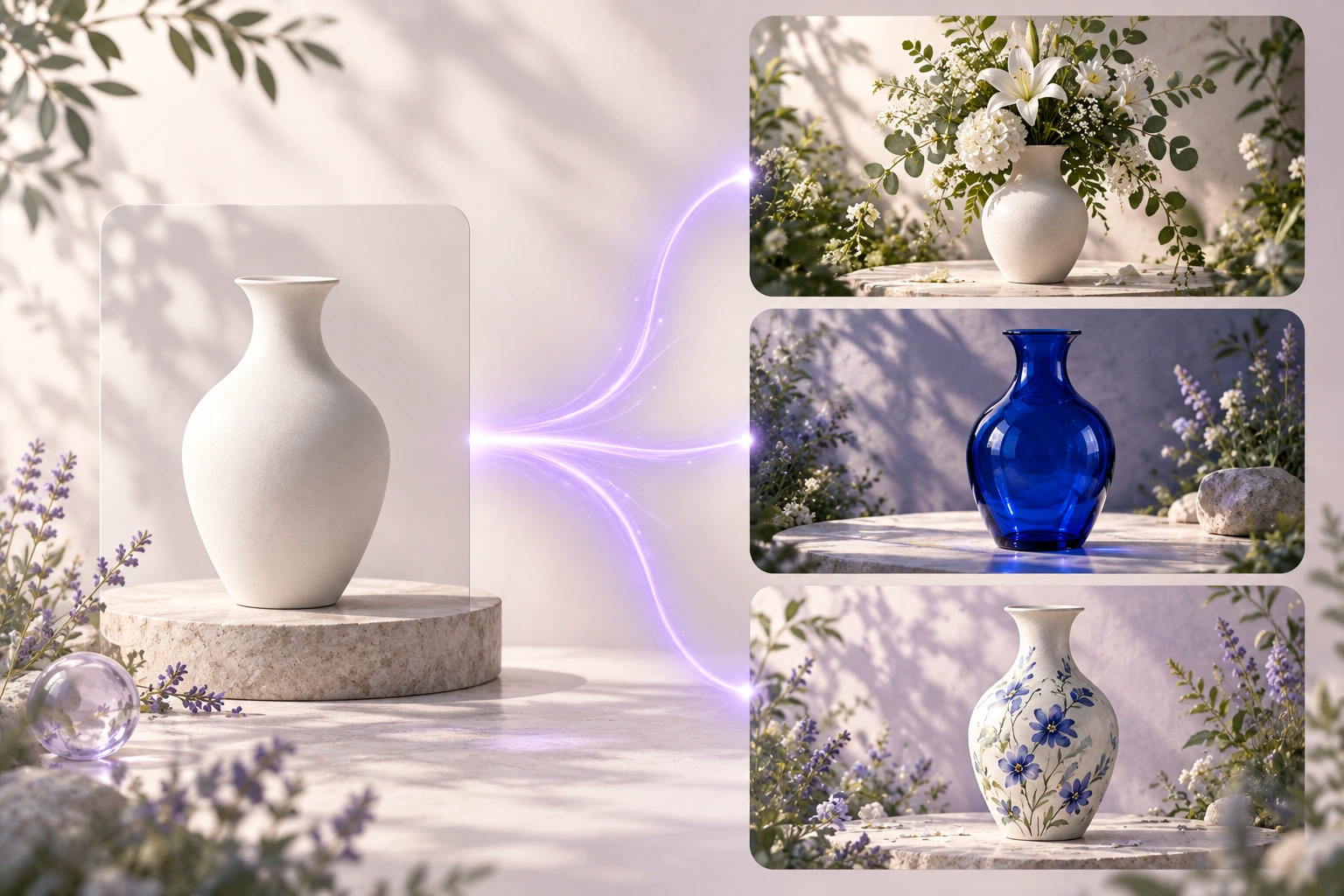
Give the prompt useful visual detail
Name the subject, setting, composition, visual style, and lighting. For an edit, list the change first and say which details should stay the same.
AI Image Tools
Cut out, upscale, expand, or restyle an existing image online. Each tool has a focused workflow, and every result is saved to the same private image library.
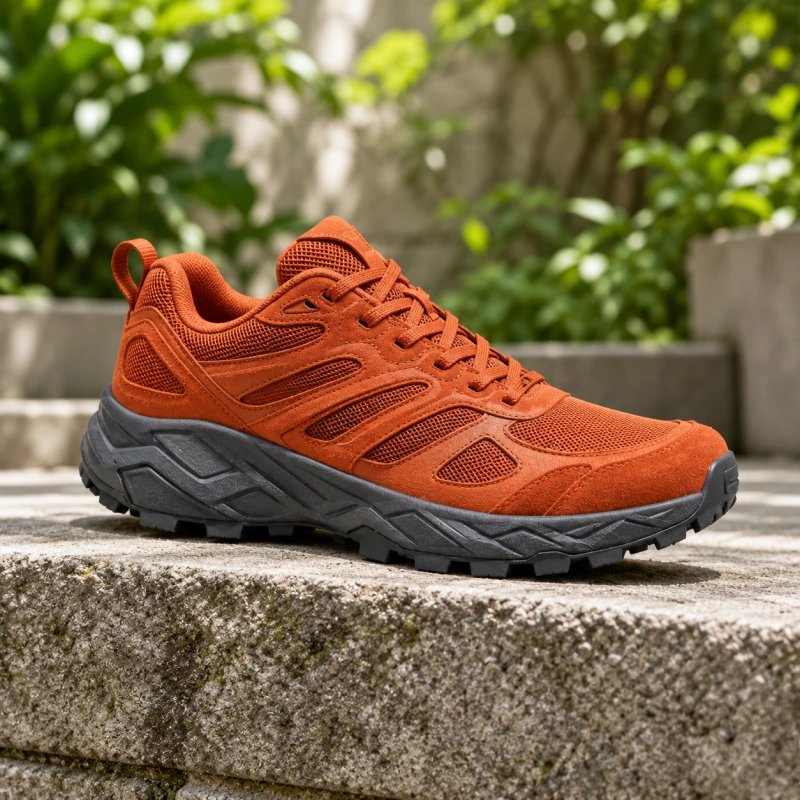
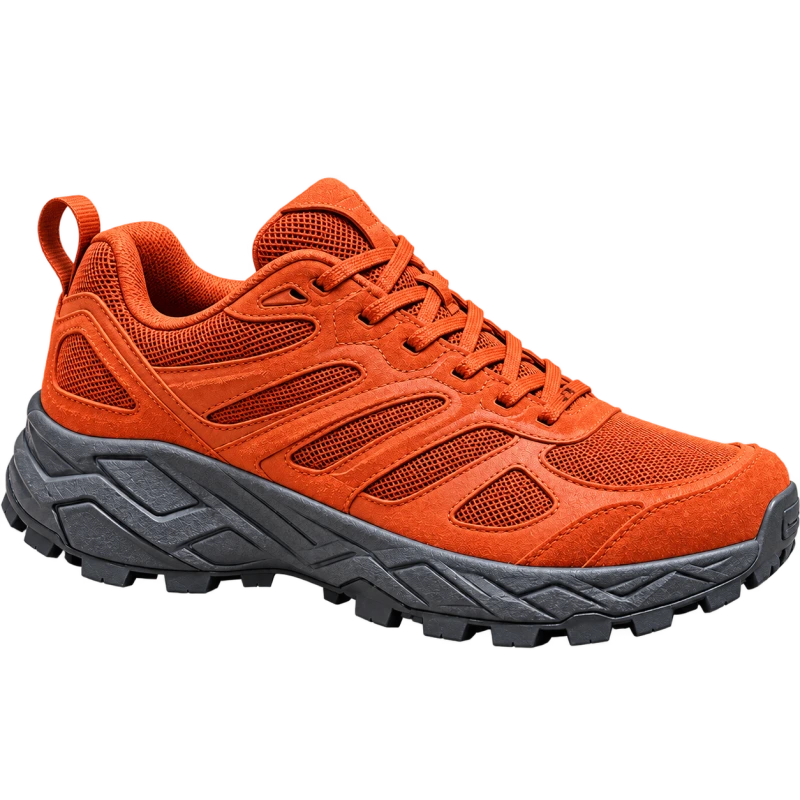 Background removerCut out the subject and get a transparent PNG back.
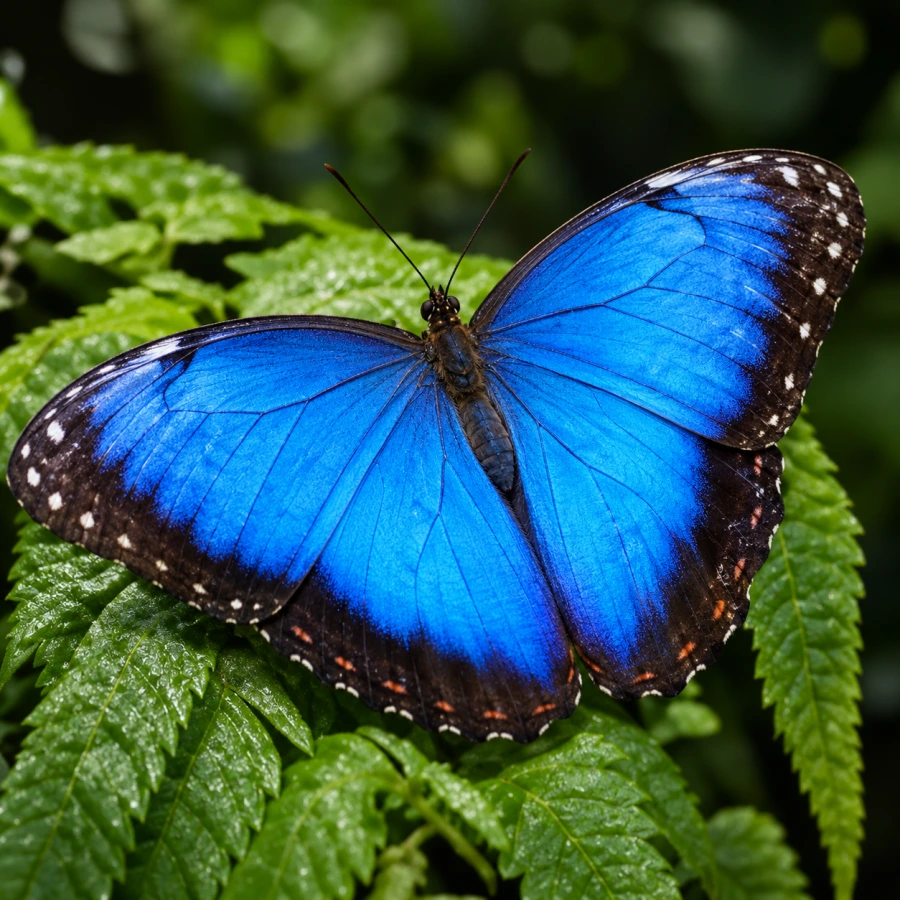
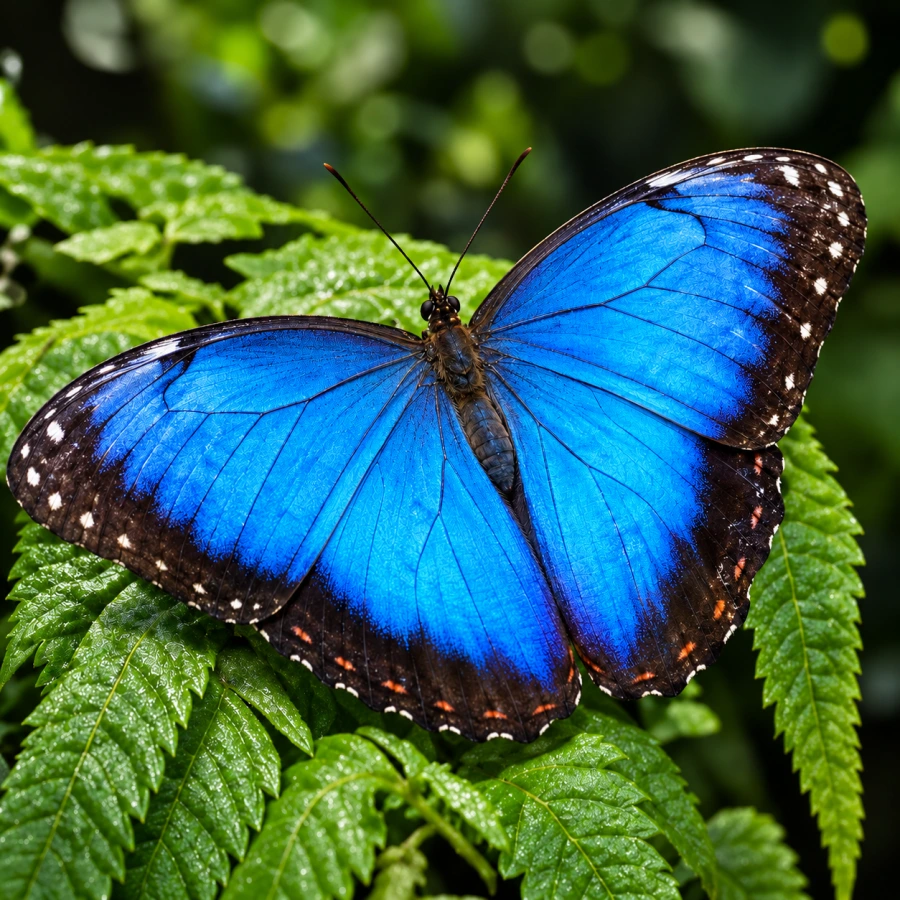 Image upscalerEnlarge 2× or 4× without the image going soft.
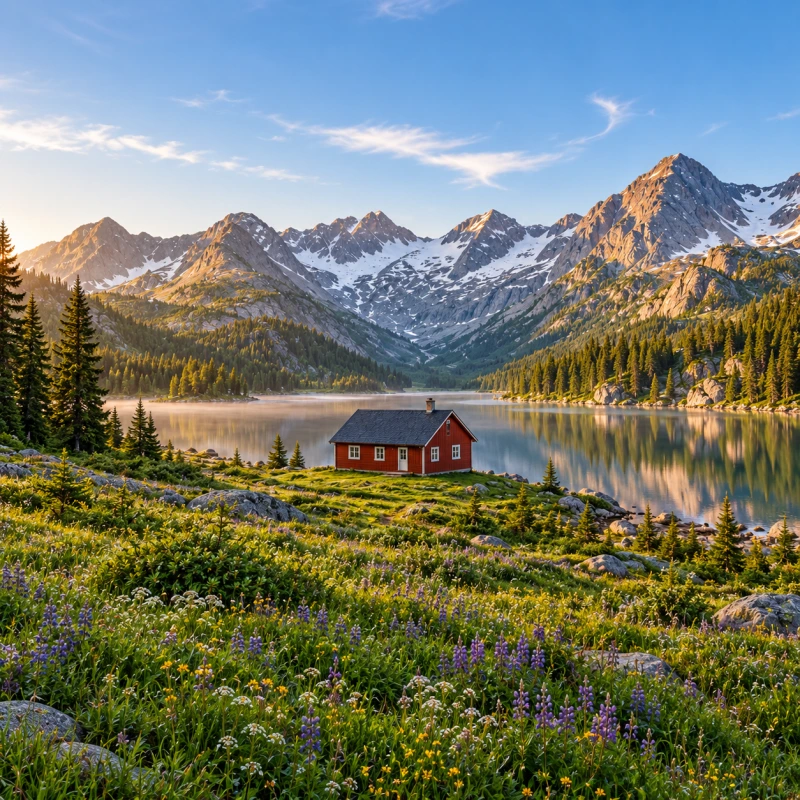
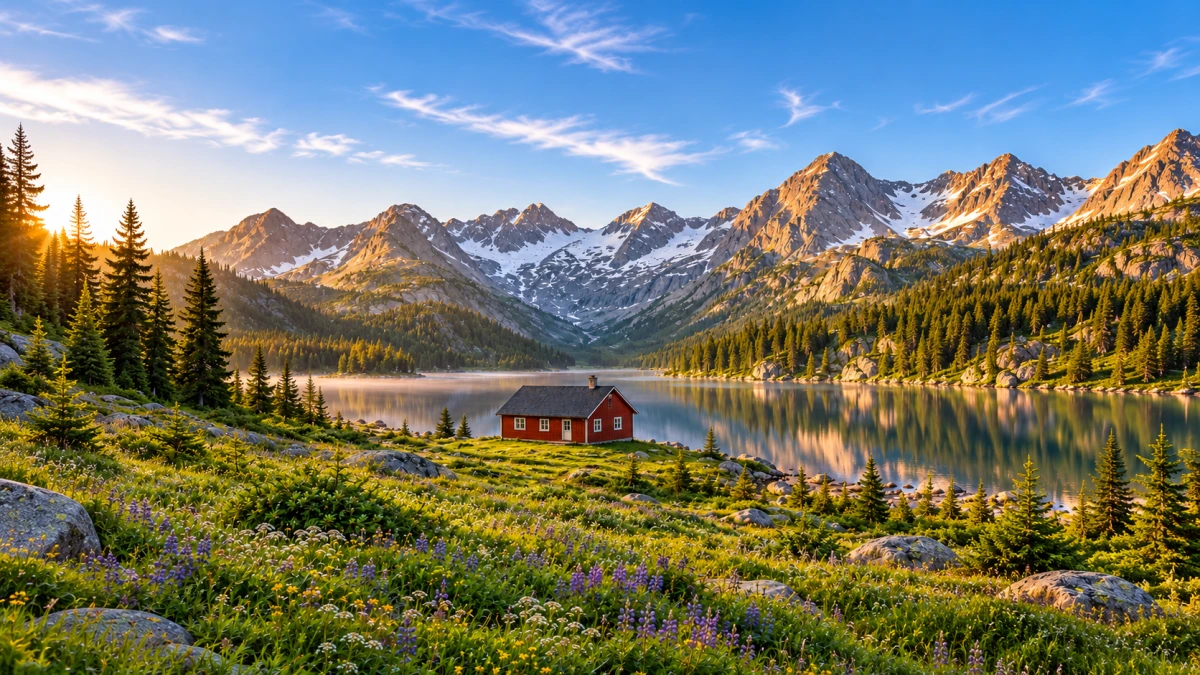 Image expandExtend content beyond the frame into a new aspect ratio.
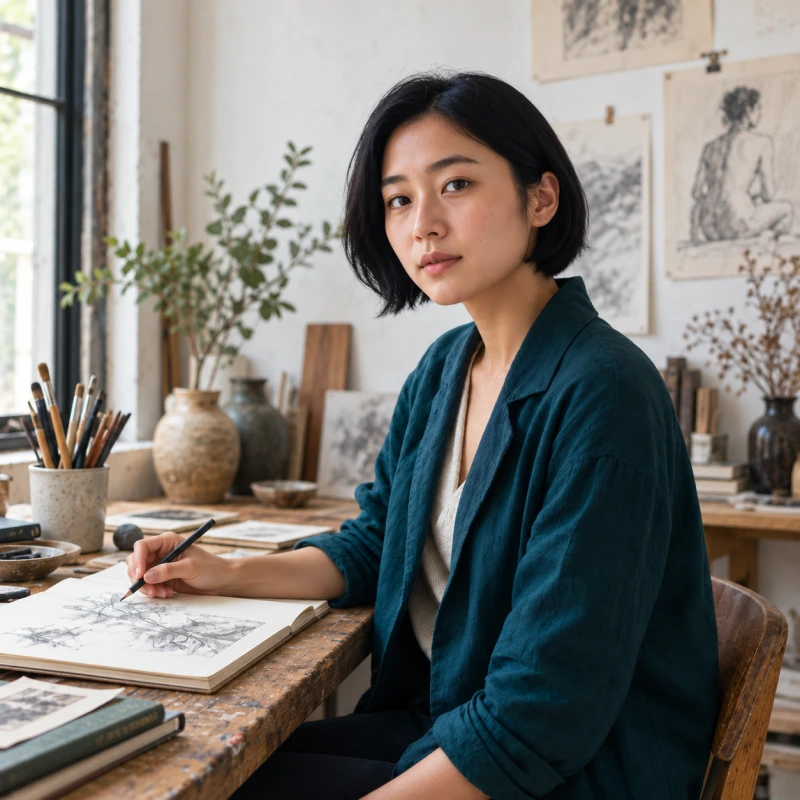
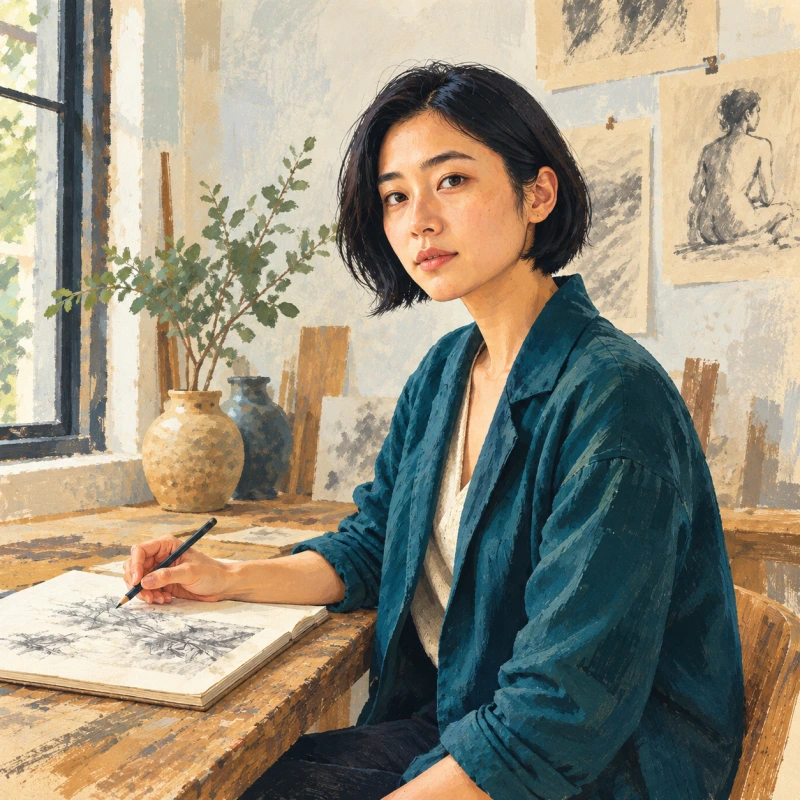 Style transferKeep the subject and turn a photo into illustration and other styles.
AI Image Models
Explore more image models for different creative tasks. Compare their strengths and switch models when your project calls for a different approach.
 Qwen Image 3.0Multilingual design styles and typography-aware generation.
 GPT Image 2Prompt-faithful illustrations, product shots, and precise layouts.
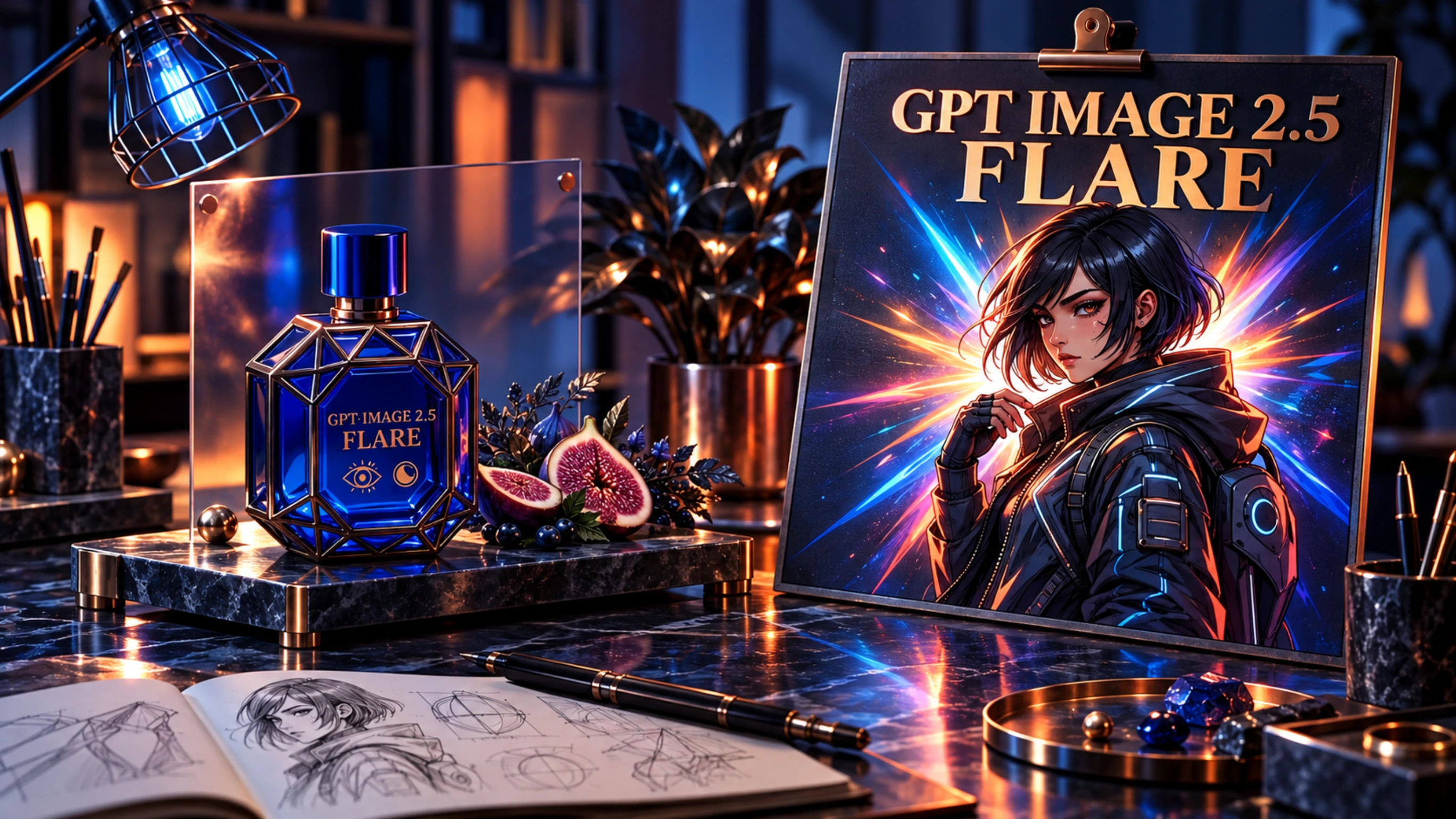 GPT Image 2.5 FlareFast GPT Image 2.5 generation and editing.
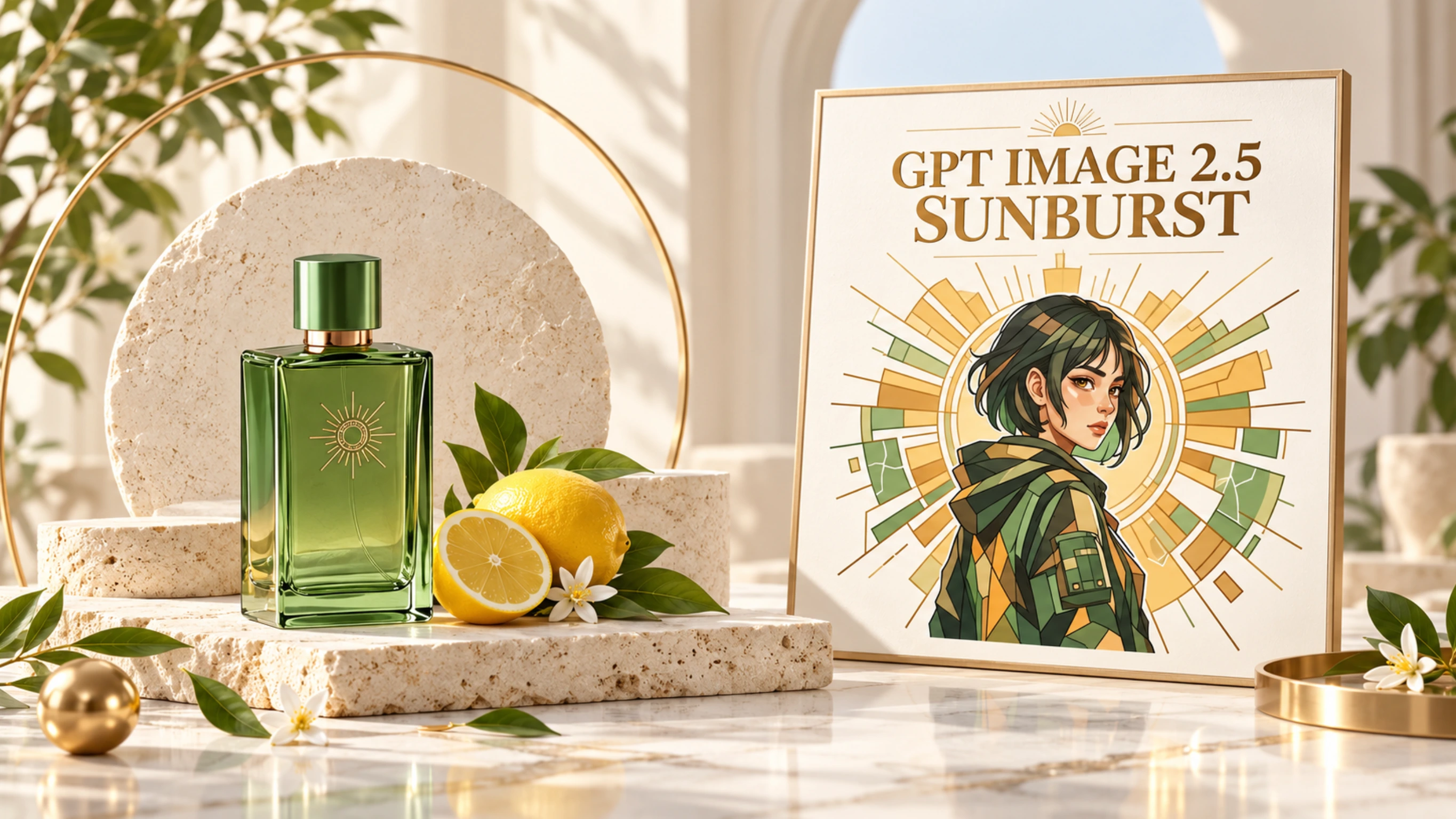 GPT Image 2.5 SunburstPrecision-first GPT Image 2.5 generation and editing.
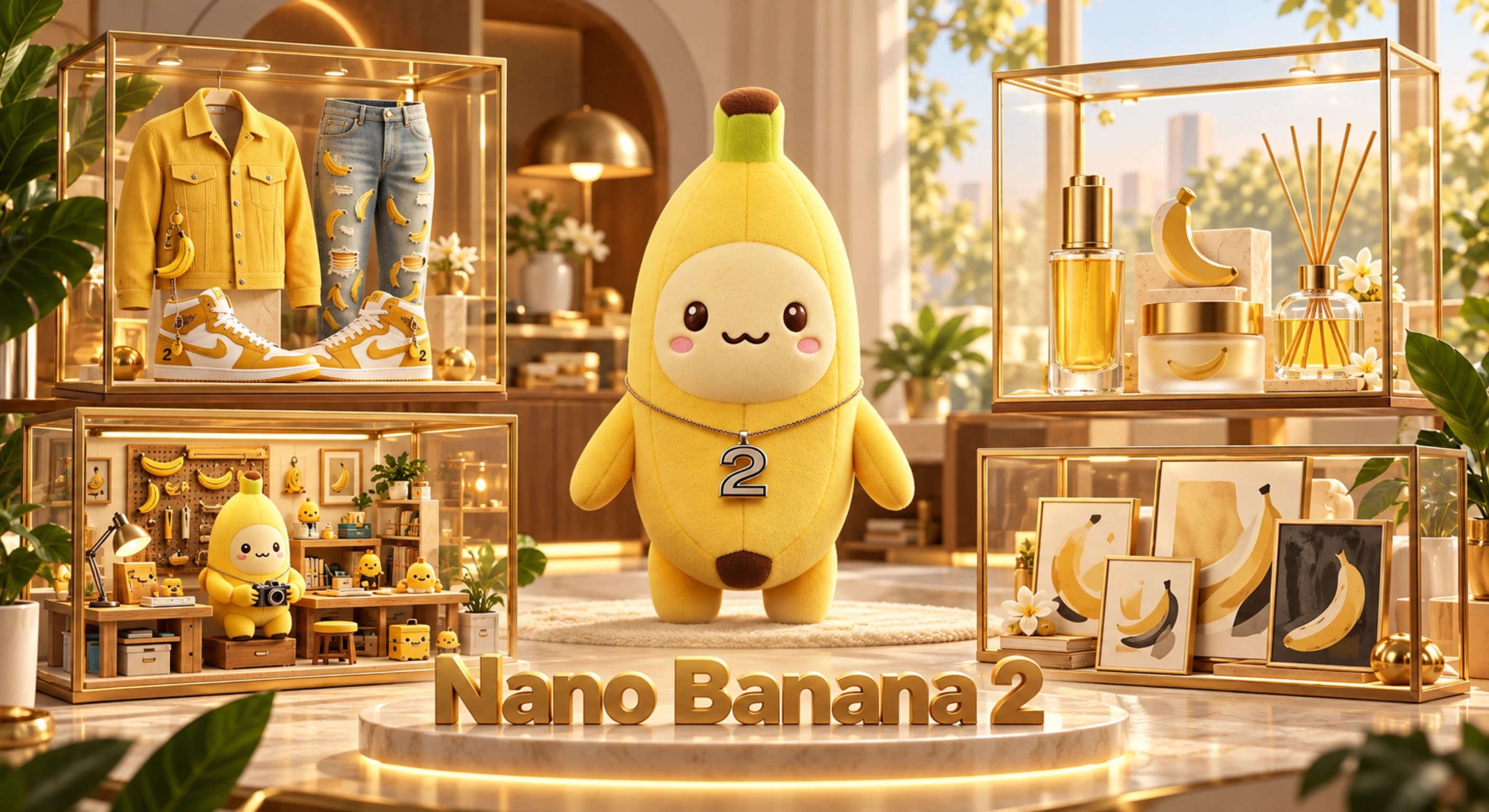 Nano Banana 2Fast daily generation with strong aesthetic coherence.Nano Banana 2.1Create images from text prompts or edit a reference image with Nano Banana 2.1.
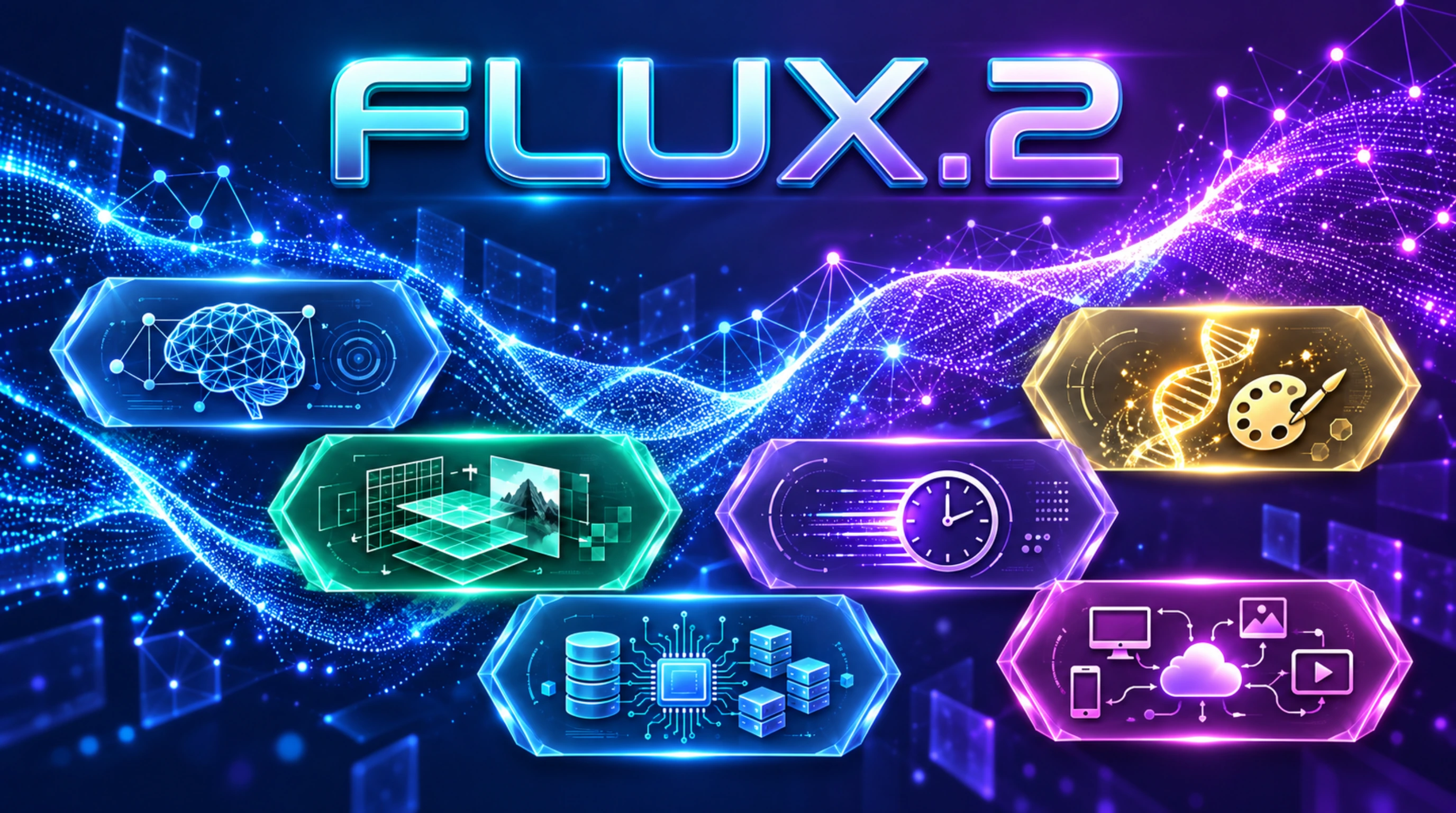 FLUX.2High-quality photorealistic generation and reference edits.
 Seedream 5.0 ProProduction layouts, multilingual text, and multi-reference edits.
 Nano Banana ProDetailed scenes, readable text, and reference-guided edits.
Nano Banana 2.1 FAQ
Learn what Nano Banana 2.1 does, how to generate or edit an image here, and which capabilities belong to the model versus this website.
What is Nano Banana 2.1?
Nano Banana 2.1 is an image generation and conversational image editing model. Its Gemini API model ID is gemini-nano-banana-2.1. nanobanana2-1.net is an independent online service, not the official Nano Banana or Gemini website.
Can I generate and edit images on this website?
Yes. Enter a text prompt to create an image. To edit, upload a reference image and describe the change you want in natural language. You can view the generated result and download it.
How is Nano Banana 2.1 different from Nano Banana 2?
Model documentation describes Nano Banana 2.1 as an update to Nano Banana 2, with improvements to visual quality, prompt adherence, text rendering, and multi-turn consistency. Those are model-level improvements; individual results can still vary with the prompt and reference image.
What image sizes does Nano Banana 2.1 support?
Nano Banana 2.1 supports 1K, 2K, and 4K image output. The resolution choices available on this website depend on the model options exposed in the generator.
Can Nano Banana 2.1 use multiple reference images?
The model supports multiple reference images and multimodal inputs. That capability does not guarantee that every input type or reference count is available in this website's generator; use the upload controls shown above.
Is nanobanana2-1.net the official Google or Gemini website?
No. nanobanana2-1.net is an independent online image generation and editing website. It is not the official Google or Gemini website and does not claim affiliation, partnership, or endorsement.
Create an Image with Nano Banana 2.1
Enter a prompt for a new image or add a reference image with an edit instruction. Review and download the generated result.